
For one truck with its own authority
Send the invoice
the day you deliver
From your phone
Upload the rate con Attach the signed BOL Put the invoice on your factor's schedule On your phone, or on a laptop at home
Read-only Usually no signup the first time
- Free for 7 days, no card
- Never priced per user
- No setup fee
- A real price, usually the same business day
 Built inside, and run every day by, a working carrier in Elk Grove Village, Illinois
Here's one load, start to paid
Upload the rate con
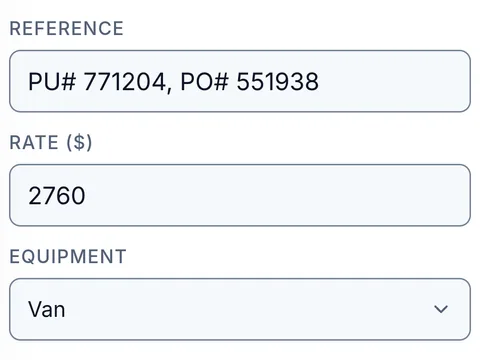
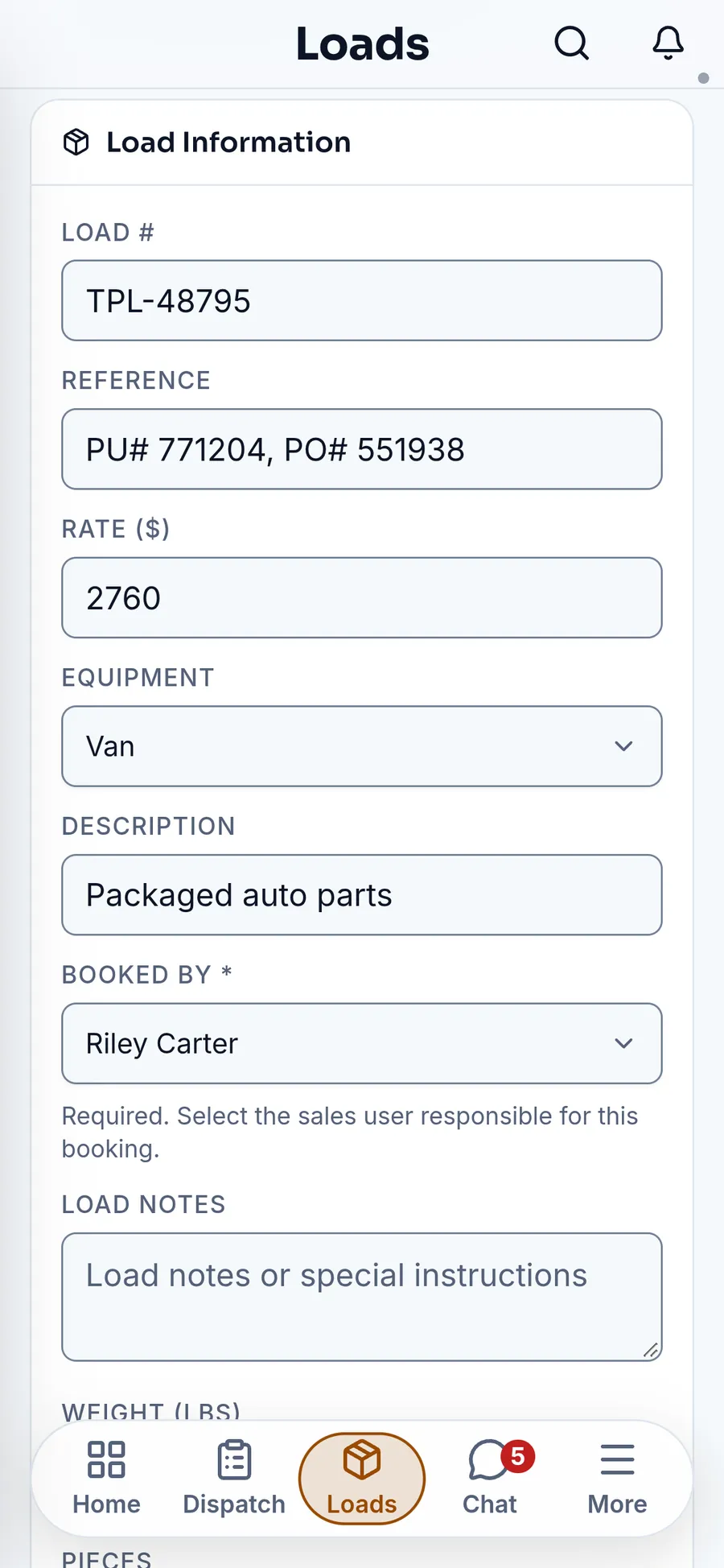
Sample data Upload the broker's PDF from your phone Check what it read, then make the load Clean PDFs are read with no AI key Scans and photos need your own AI key
Work the stops from the phone
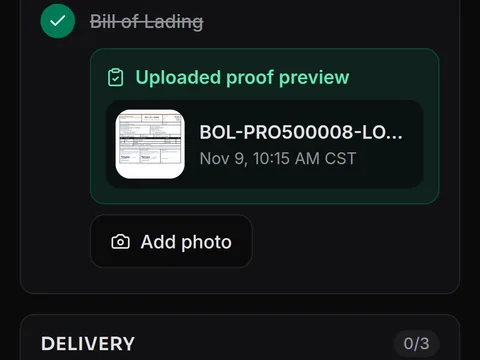
Sample data Mark arrived, take photos and add the signed BOL No signal? It saves and sends later
Send the invoice with the POD
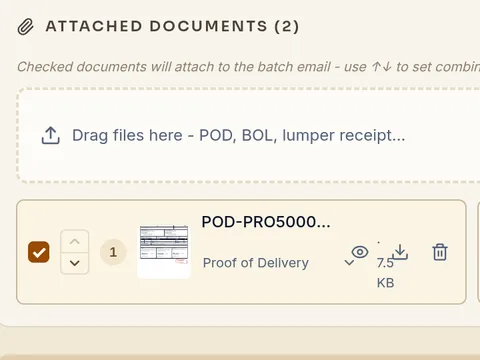
Sample data The signed BOL is already on the load Mark it invoiced and email it with the POD attached
Factor it, or see who owes you
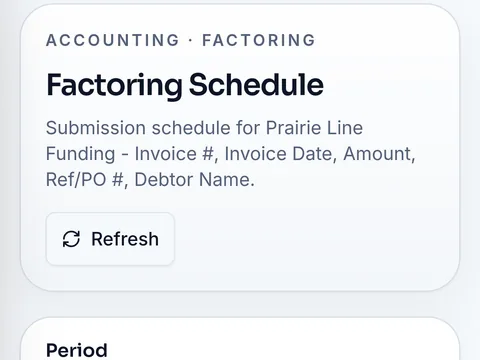
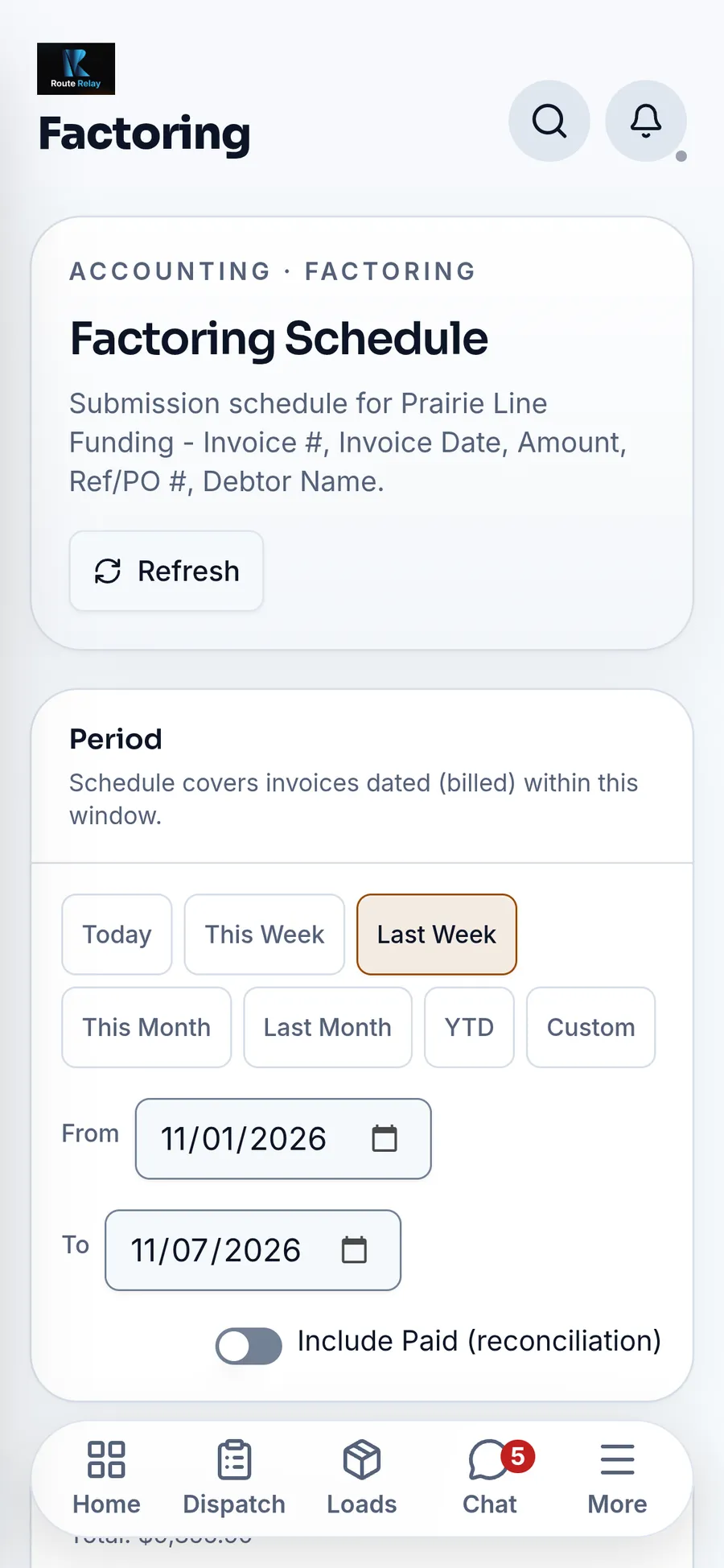
Sample data Put the week's invoices on your factor's schedule Email them in one ZIP, with the schedule attached Not factoring? See who owes you The schedule needs your factoring company in Settings
Start with your MC or USDOT number
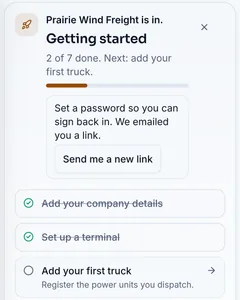
Type the number We fill in your company from FMCSA's public record Enter the 6-digit code we email you No card No phone number No sales call
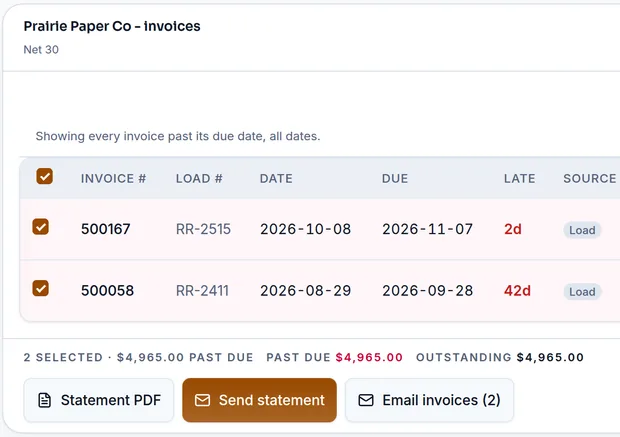
See who owes you Send a statement
Every open invoice, by customer and by how old it is Send a customer a statement Record payments as they come in
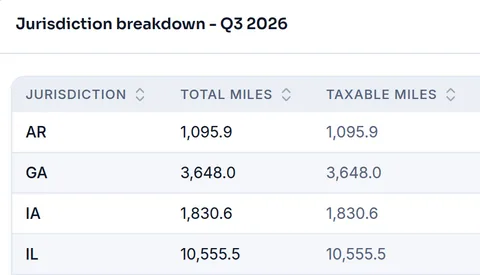
IFTA miles by state, ready for the quarter
Type your miles by state on the trip log, or get them from your own Samsara account See them for each quarter With your own EFS login, fuel by state and your MPG fill in too You file it yourself
MPG and fuel by state need your EFS login
Keep every driver file ready Even with one truck
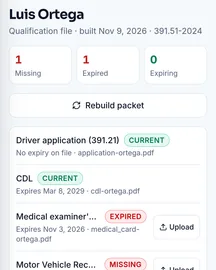
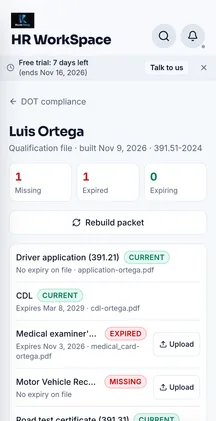
Your own driver file counts too See what 49 CFR 391.51 asks for, and what's missing Keep your drug test log, Clearinghouse queries and yearly MVRs in one place Get warned before a medical card or CDL runs out Export any driver's file as one ZIP
An accident register with files and a timeline DOT trip records kept seven years
Dispatch warns you when a driver's CDL, medical card, MVR or Clearinghouse query is missing or out of date, or a positive or refused drug test has no negative return-to-duty test
These are logs you fill in We don't connect to the Clearinghouse or an MVR company Not legal advice
Six parts The rest stay out of your way
Dispatch
the board, every load, your truck and driver
Billing and settlements
invoices with the POD, payments, driver pay, exports for your books
Rate cons and AI
rate cons read for you; AI only with your own key
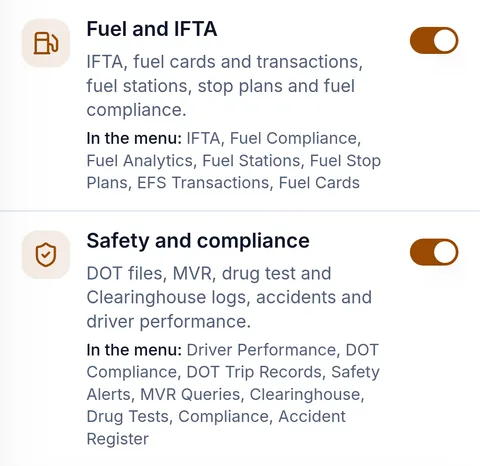
Fuel and IFTA
miles by state; fuel, MPG and fuel cards with your EFS login
Safety and compliance
your DOT file and driver files
Factoring
a schedule for your factor
Hire a driver or add a truck? Turn on the shop in Settings
Bring one rate con Leave with your first invoice
Share your screen with us for 45 minutes, or ask about meeting near O'Hare Bring your MC or USDOT number and one rate con with its signed BOL You leave with your company set up, that load invoiced with the POD, your factor's schedule and a real price, usually the same business day
What it costs
Priced to your truck count Never per user No setup fee A real price, usually the same business day
What it does And what it doesn't do yet
Finding loads
Not yet
No load board Book on DAT, Truckstop or with your brokers, then upload the rate con
Tracking and ELD
With your account
Stop times fill in as the driver checks in GPS, ETAs and HOS come with your own Samsara account No Motive or other ELDs yet Without Samsara, IFTA miles are typed in by hand
QuickBooks Desktop
WorksOnlineNot yet
IIF export for QuickBooks Desktop, or CSV for any books No QuickBooks Online connection yet
Questions
Can my spouse or bookkeeper log in too?
Yes Add them as users There's no per-user fee
What does my factor need?
A schedule with their name on top and one ZIP of invoices, sent together Tell us your factor and we check how they take submissions before you start
Do I need an ELD?
No Without one, each stop's times fill in as you or your driver check in on the phone, and your tracking link shows them With your own Samsara account you also get truck positions, ETAs, hours-of-service clocks and arrivals that record themselves We don't connect to Motive or other ELDs yet Without Samsara, IFTA miles are typed in by hand
What happens after the trial?
When the trial ends, sign-in switches off Nothing is charged and your data stays Reply to any of our emails and we turn it back on
Drive connected
Start with one truck Free for 7 days
- No card
- Never priced per user
- No setup fee